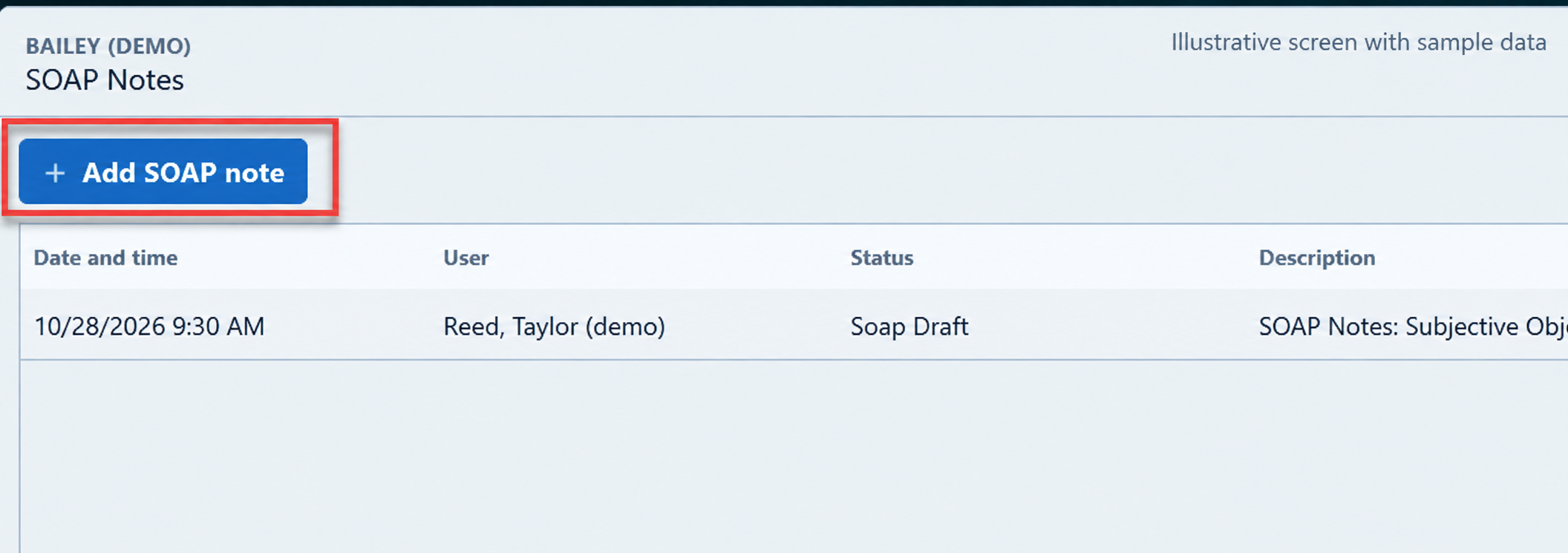
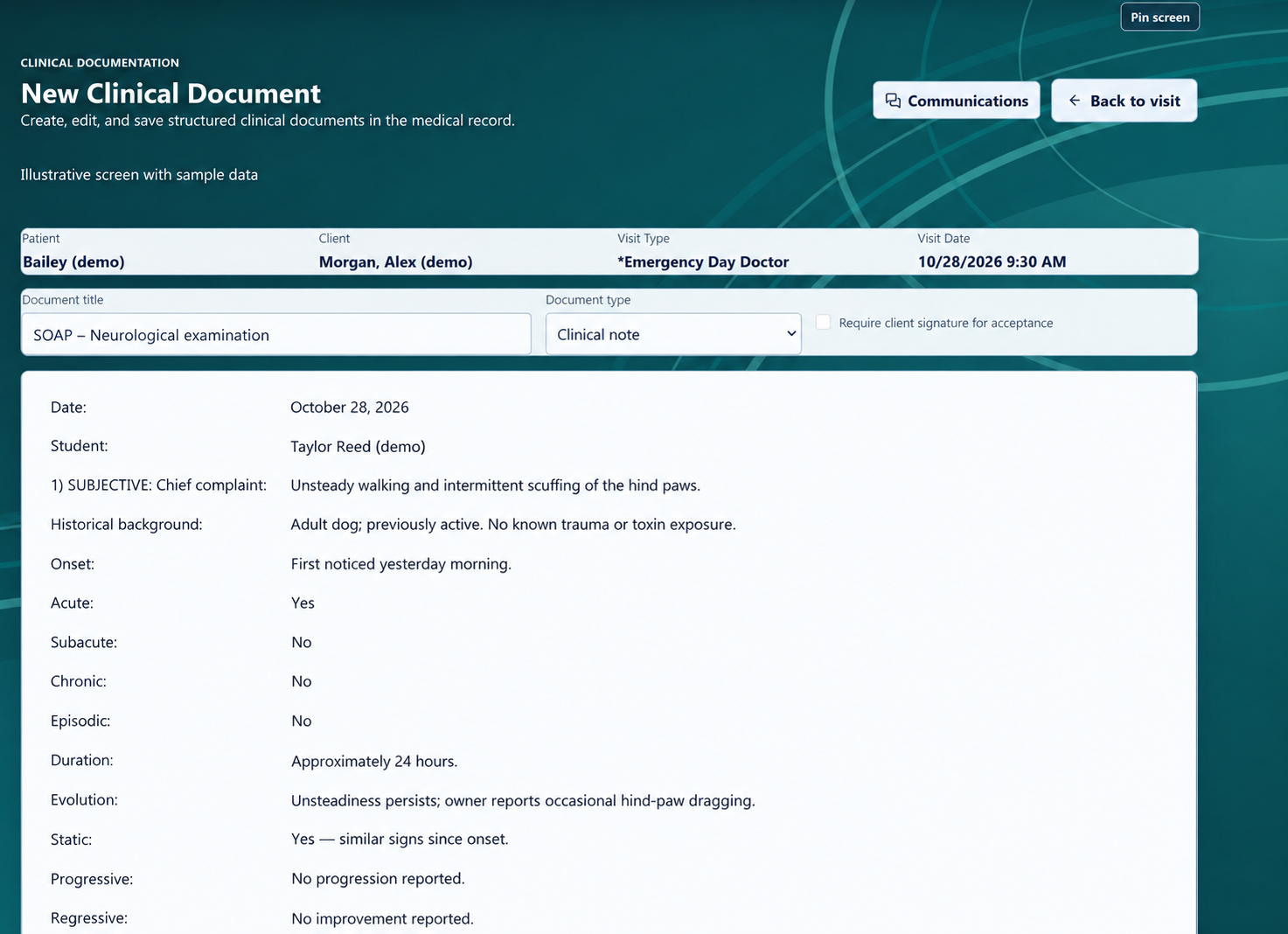
Begin with a document template, bring in details from the selected visit, and edit the note around the patient in front of you. Give familiar work a clear starting point.
Vitals entry is separate from choosing a document template. Add an individual vital or use a vital package when recording several measurements.
INDIVIDUAL VITAL
Add the measurement you need.
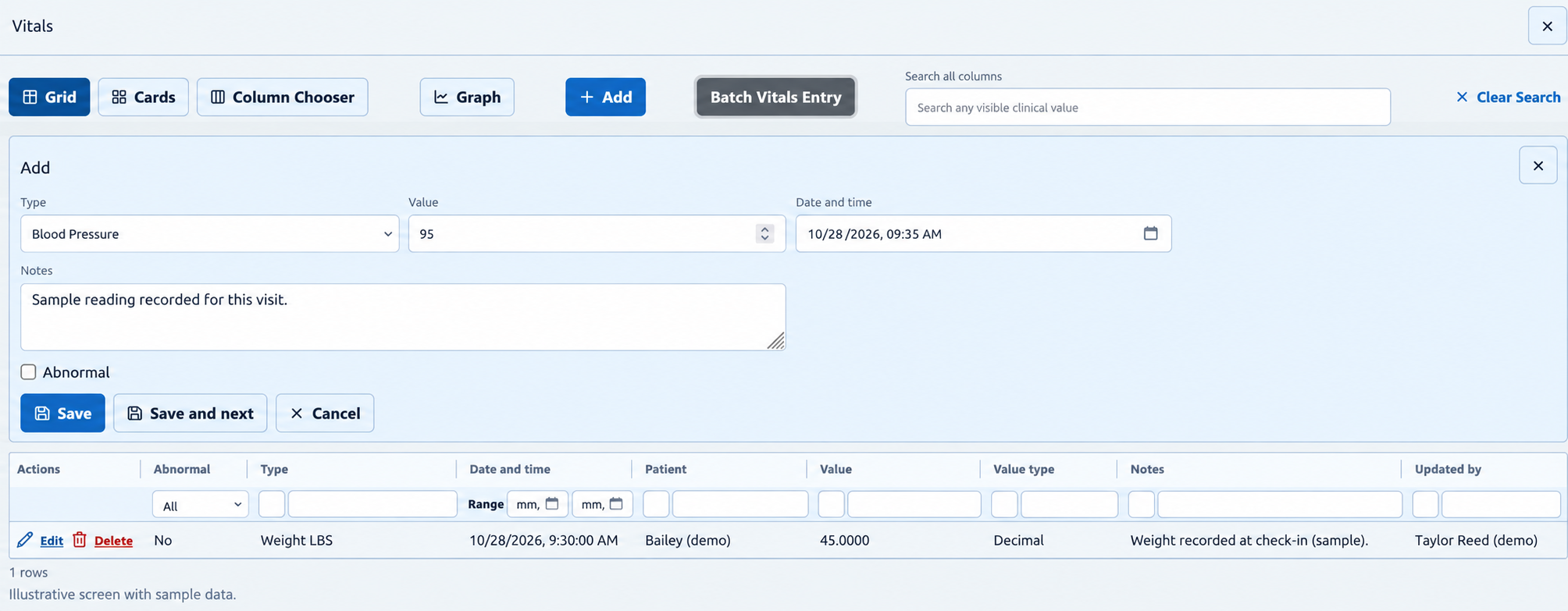
Choose Add from Vitals. Select the type, enter its value and date/time, and include notes or an abnormal flag when appropriate.
Use an individual vital for items such as temperature, weight or blood pressure.
The form provides Save, Save and next, and Cancel controls.
VITAL PACKAGE / BATCH ENTRY
Bring several vital entries together.
Open Batch Vitals Entry, choose an entry package and use Apply package. The batch screen brings several vital signs into one patient-visit entry workflow.
Work with a grid of vital types and values.
Each row includes selection, abnormal and notes controls.
A package supplies the vital items to enter. Measured readings are supplied by the clinical team.
Illustrative screen with fictional sample data. Individual vital entry and an existing history row are shown.View full-size image ↗
BEYOND THE NOTE
Plan the work around routine care.
StringSoft also supports templates for diagnoses, treatments, reminders and charges, with charges linked to the products used.
Bring a common visit to a demo and explore how your document templates, vital packages and other configured items fit that workflow.